使用场景
系统在以下场景分派故障时会使用模板:| 场景 | 说明 |
|---|---|
| 手动创建故障 | 手动创建故障并分派 |
| 自动生成故障 | 上报告警事件,系统自动生成故障,按匹配到的分派策略进行分派 |
| 重新分派 | 故障创建后,手动更改分派 |
| 升级分派 | 根据分派策略设置,系统自动升级分派 |
| 重开分派 | 故障关闭后重新打开,按照之前的设置重新分派 |
系统使用 Golang 模板语法 解析数据,支持逻辑判断、循环、pipeline 及常用函数。更多函数请参考 sprig 函数库。
配置模板
1
创建自定义模板
进入 模板管理 页面,点击 创建自定义模板 或 复制默认模板
2
编辑模板内容
按通知渠道编辑对应内容,可引用下方变量列表中的字段
3
保存模板
点击 保存 完成创建
应用模板
变量引用
引用示例
Incident 变量
故障对象的完整变量列表:| 字段 | 类型 | 必含 | 说明 |
|---|---|---|---|
| ID | string | ✓ | 故障 ID |
Title | string | ✓ | 故障标题 |
Description | string | ✓ | 故障描述,可能为空 |
| DetailUrl | string | ✓ | 故障详情页地址 |
| Num | string | ✓ | 故障短标识,仅用于方便肉眼识别 |
IncidentSeverity | string | ✓ | 严重程度:Critical / Warning / Info |
| IncidentStatus | string | ✓ | 故障状态:Critical / Warning / Info / Ok |
Progress | string | ✓ | 处理进度:Triggered / Processing / Closed |
StartTime | int64 | ✓ | 触发时间,Unix 秒时间戳 |
| LastTime | int64 | 最新事件时间,Unix 秒时间戳 | |
| EndTime | int64 | 恢复时间,Unix 秒时间戳 | |
| SnoozedBefore | int64 | 暂缓截止时间,Unix 秒时间戳 | |
| AckTime | int64 | 首次认领时间,Unix 秒时间戳 | |
| CloseTime | int64 | 关闭时间,Unix 秒时间戳 | |
| Creator | Person | 发起人信息,系统自动生成时不存在 | |
| Closer | Person | 关闭人信息,故障自动恢复时不存在 | |
| AssignedTo | Assignment | 分派配置 | |
| Responders | []Responder | 处理人列表 | |
| ChannelID | int64 | 协作空间 ID | |
| ChannelName | string | 协作空间名称 | |
| GroupMethod | string | 聚合方式:n(不聚合)/ p(按规则)/ i(智能) | |
Labels | map | 标签 KV,Key 和 Value 均为字符串 | |
| AlertCnt | int64 | ✓ | 关联告警个数 |
| Alerts | []Alert | 关联告警详情 | |
| FireType | string | 通知类型:fire(通知)/ refire(循环通知) | |
| IsFlapping | bool | 是否处于抖动状态 | |
| Impact | string | 故障影响,关闭后填写 | |
| RootCause | string | 故障根因,关闭后填写 | |
| Resolution | string | 解决办法,关闭后填写 |
关联对象
Person - 人员信息
Person - 人员信息
| 字段 | 类型 | 必含 | 说明 |
|---|---|---|---|
| person_id | int64 | ✓ | 人员 ID |
| person_name | string | ✓ | 人员名称 |
| string | ✓ | 邮件地址 |
Assignment - 分派配置
Assignment - 分派配置
| 字段 | 类型 | 必含 | 说明 |
|---|---|---|---|
| PersonIDs | []string | 人员 ID 列表,仅当按人员分派时存在 | |
| EscalateRuleID | string | 分派策略 ID | |
| EscalateRuleName | string | 分派策略名称 | |
| LayerIdx | string | 分派环节,从 0 开始 | |
| Type | string | ✓ | 分派类型:assign / reassign / escalate / reopen |
Responder - 处理人
Responder - 处理人
| 字段 | 类型 | 必含 | 说明 |
|---|---|---|---|
| PersonID | int64 | ✓ | 人员 ID |
| PersonName | string | ✓ | 人员名称 |
| string | ✓ | 邮件地址 | |
| AssignedAt | int64 | ✓ | 分派时间,Unix 秒时间戳 |
| AcknowledgedAt | int64 | 认领时间,Unix 秒时间戳 |
Alert - 告警详情
Alert - 告警详情
| 字段 | 类型 | 必含 | 说明 |
|---|---|---|---|
| Title | string | ✓ | 告警标题 |
| Description | string | ✓ | 告警描述,可能为空 |
| AlertSeverity | string | ✓ | 严重程度:Critical / Warning / Info |
| AlertStatus | string | ✓ | 告警状态:Critical / Warning / Info / Ok |
| Progress | string | ✓ | 处理进度:Triggered / Processing / Closed |
| StartTime | int64 | ✓ | 触发时间,Unix 秒时间戳 |
| EndTime | int64 | 恢复时间,Unix 秒时间戳 | |
| CloseTime | int64 | 关闭时间,Unix 秒时间戳 | |
| Labels | map | 标签 KV |
常见问题
如何知道 Labels 有哪些标签?
如何知道 Labels 有哪些标签?
- 手动创建的故障没有标签
- 自动创建的故障存在标签,与合入的第一条告警的标签相同
配置了自定义模板,实际却使用了默认模板?
配置了自定义模板,实际却使用了默认模板?
创建自定义模板时,系统使用 mock 数据检查语法。mock 数据覆盖场景有限,实际运行时可能渲染失败,系统将使用默认模板兜底。
故障标题含有字符转义(如 >)?
故障标题含有字符转义(如 >)?
使用
toHtml 函数处理:如何转换时间格式?
如何转换时间格式?
如何在 for 循环内部引用外部变量?
如何在 for 循环内部引用外部变量?
在外部变量前增加
$:如何提取带 . 的字段值(如 obj.instance)?
如何提取带 . 的字段值(如 obj.instance)?
使用
index 函数:如何提取关联告警中的 label 并去重?
如何提取关联告警中的 label 并去重?
如何遍历并打印 Labels?
如何遍历并打印 Labels?
如何从 JSON 字段中提取信息?
如何从 JSON 字段中提取信息?
使用
jsonGet 函数从合法 JSON 中按 path 提取值。语法参考 gjson.dev。如何获取图片 URL?
如何获取图片 URL?
imageSrcToURL:将 image_key 或 URL 转换为可访问地址(钉钉/Slack App 使用)transferImage:上传图片到第三方平台(飞书/Lark App 使用)
图片大小不能超过 10 MB,支持 JPG、PNG、WEBP、GIF、BMP 等格式。
如何使用逻辑运算?
如何使用逻辑运算?
| 函数 | 说明 | 示例 |
|---|---|---|
and | 逻辑与 | {{if and (eq .A "x") (eq .B "y")}} |
or | 逻辑或 | {{if or (eq .A "x") (eq .A "y")}} |
not | 逻辑非 | {{if not (eq .A "x")}} |
eq | 等于 | {{if eq .A "x"}} |
ne | 不等于 | {{if ne .A "x"}} |
gt / ge | 大于 / 大于等于 | {{if gt .AlertCnt 1}} |
lt / le | 小于 / 小于等于 | {{if lt .AlertCnt 10}} |
如何查阅更多函数?
如何查阅更多函数?
- 函数列表:functions.go
- 使用示例:查看对应的
_test.go文件,如 date_test.go
渠道模板
不同通知渠道支持的模板格式和限制不同。- 飞书应用
- 钉钉应用
- 企业微信应用
- Slack 应用
- Microsoft Teams
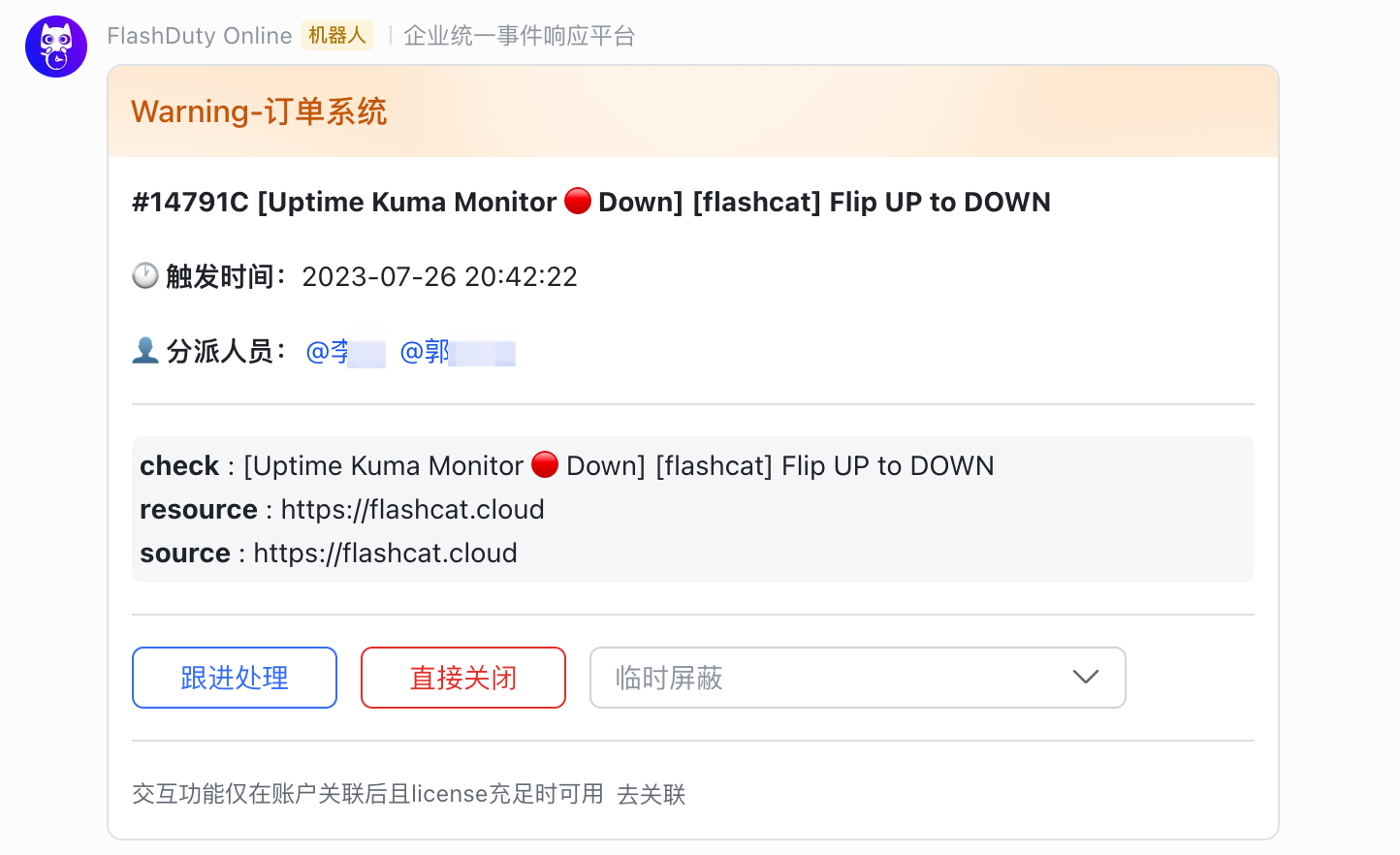
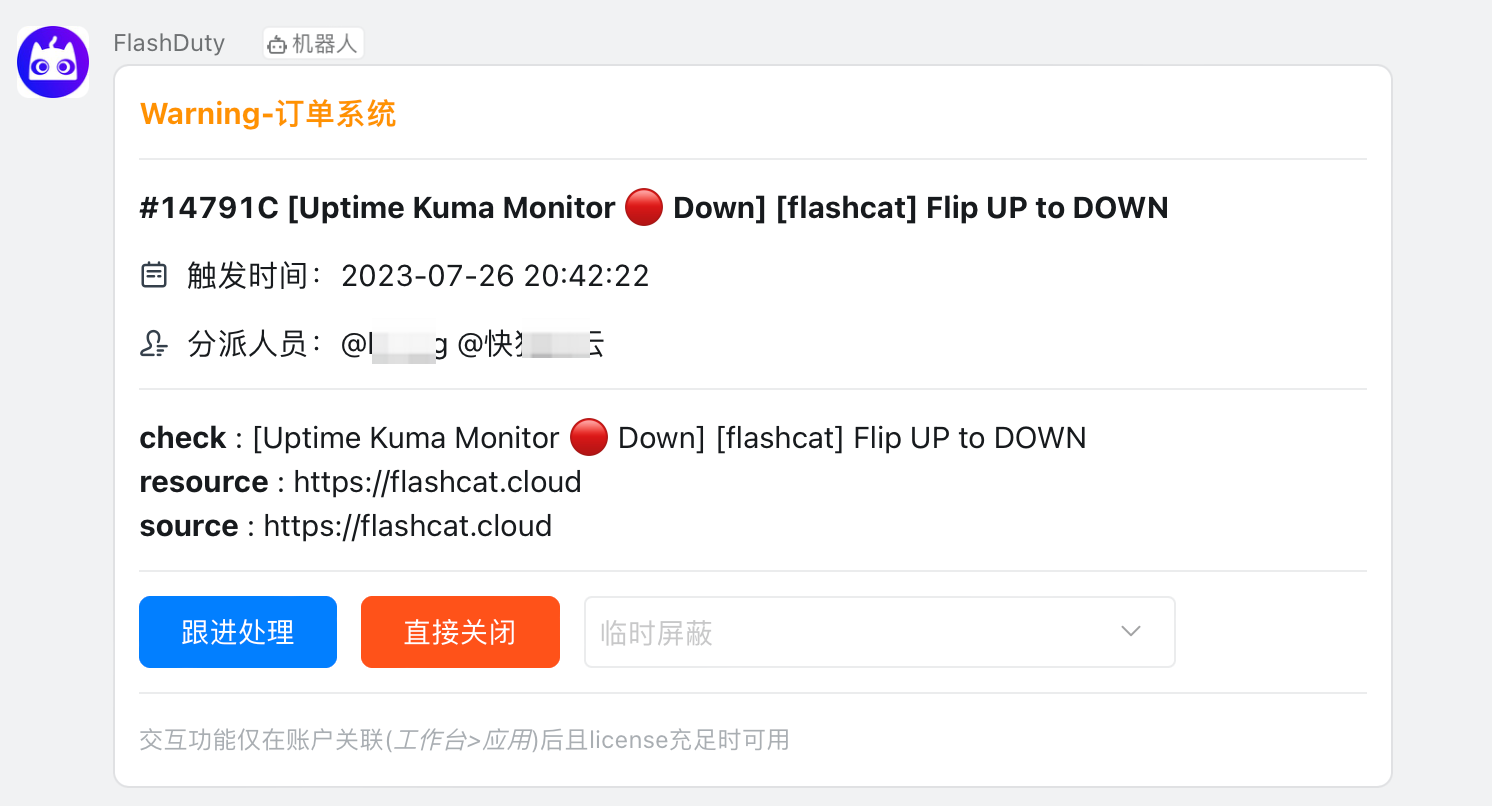
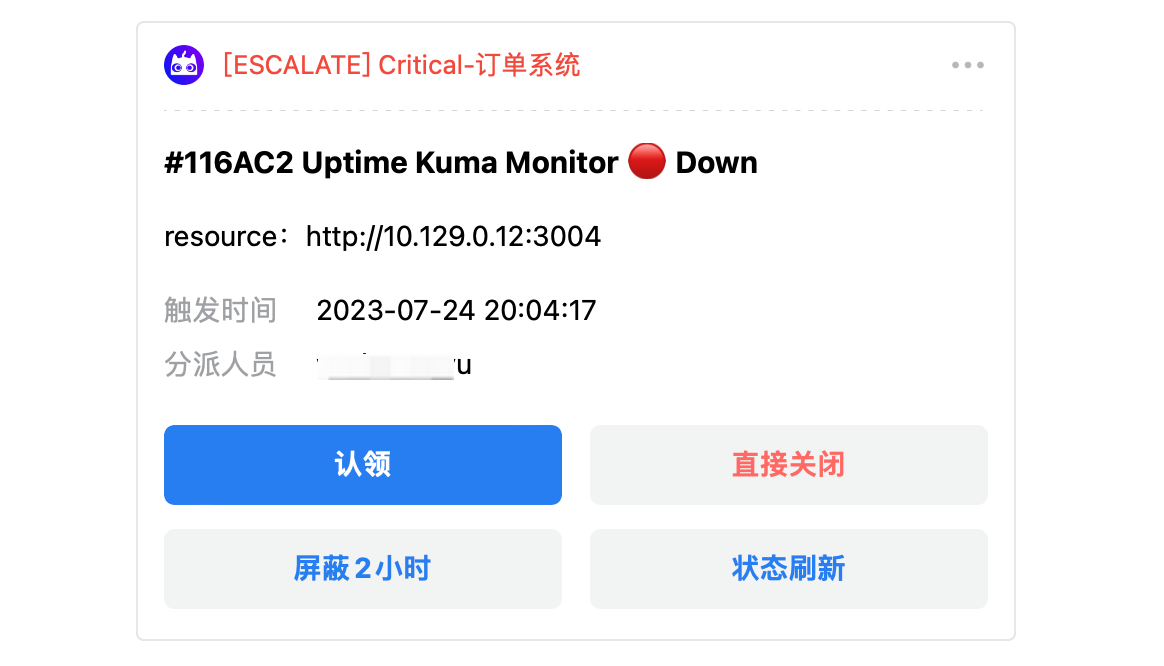
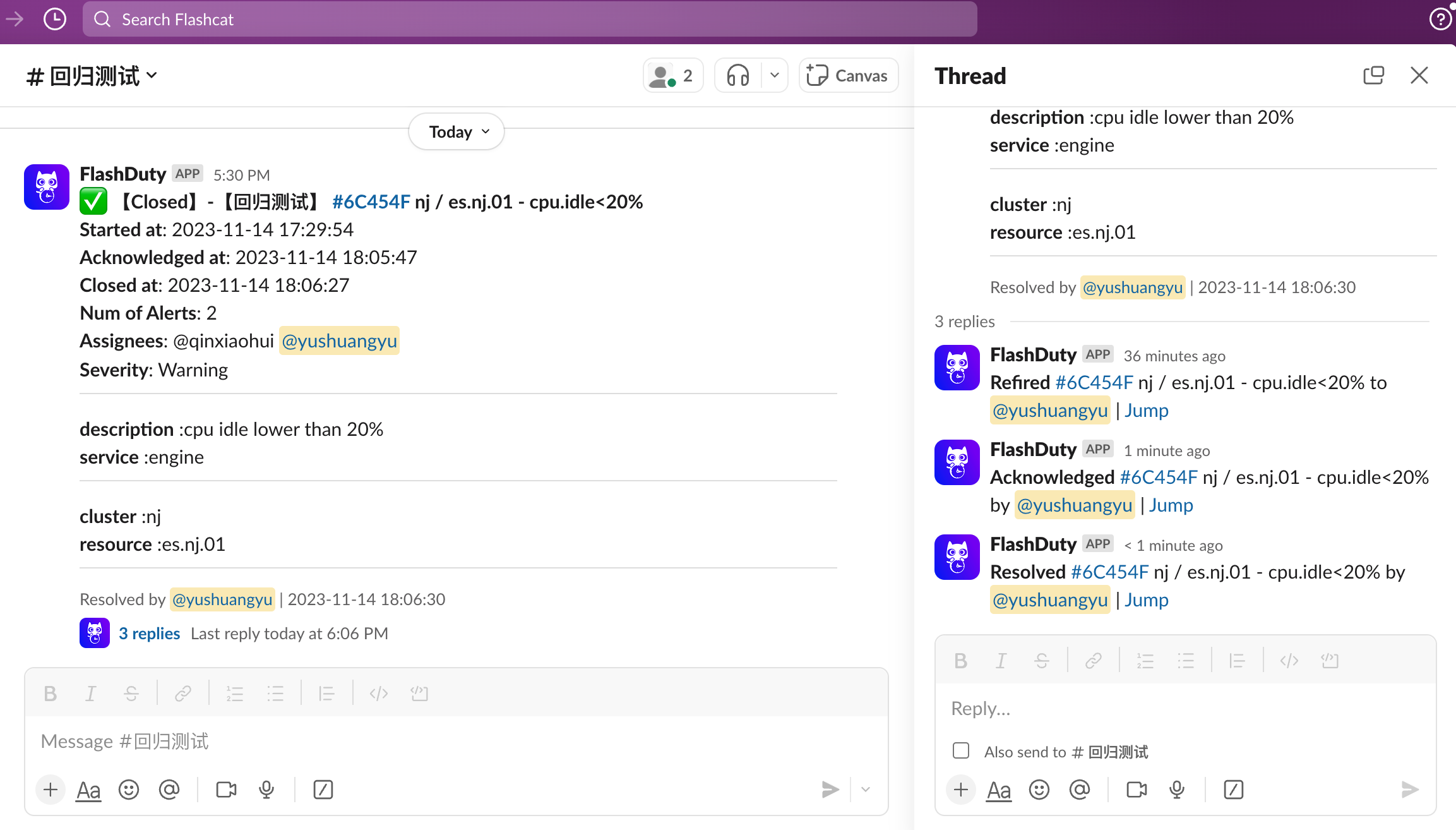
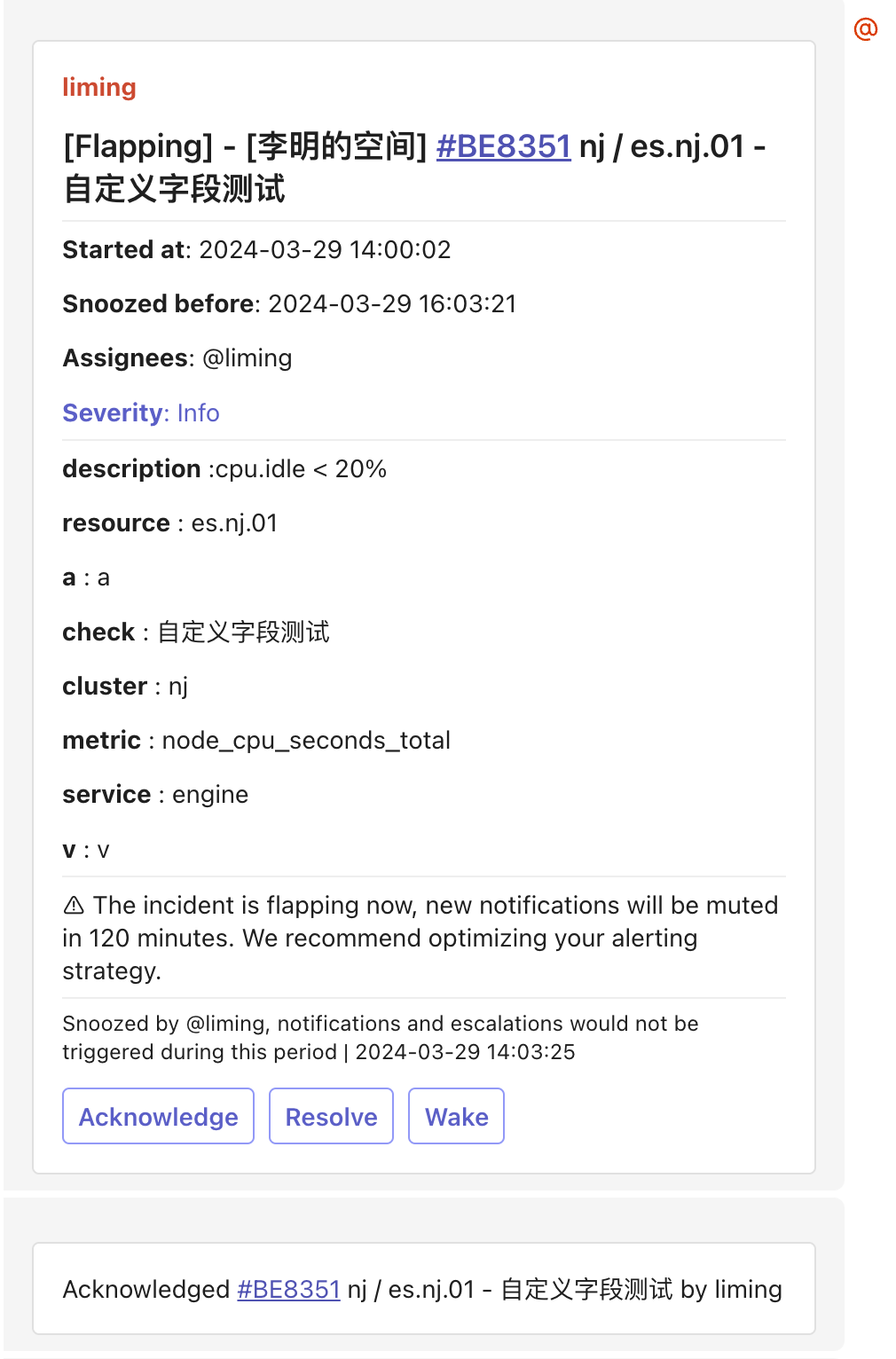
机器人模板
群聊机器人支持的模板格式。- 飞书机器人
- 钉钉机器人
- 企业微信机器人
- Slack 机器人
- Telegram 机器人
支持消息卡片、富文本和普通文本三种格式。消息最大 4000 字节,超出后截断。
消息卡片(msg_type: interactive)
消息卡片(msg_type: interactive)
富文本(msg_type: post)
富文本(msg_type: post)
普通文本
普通文本
其他渠道
- 短信
- 邮件
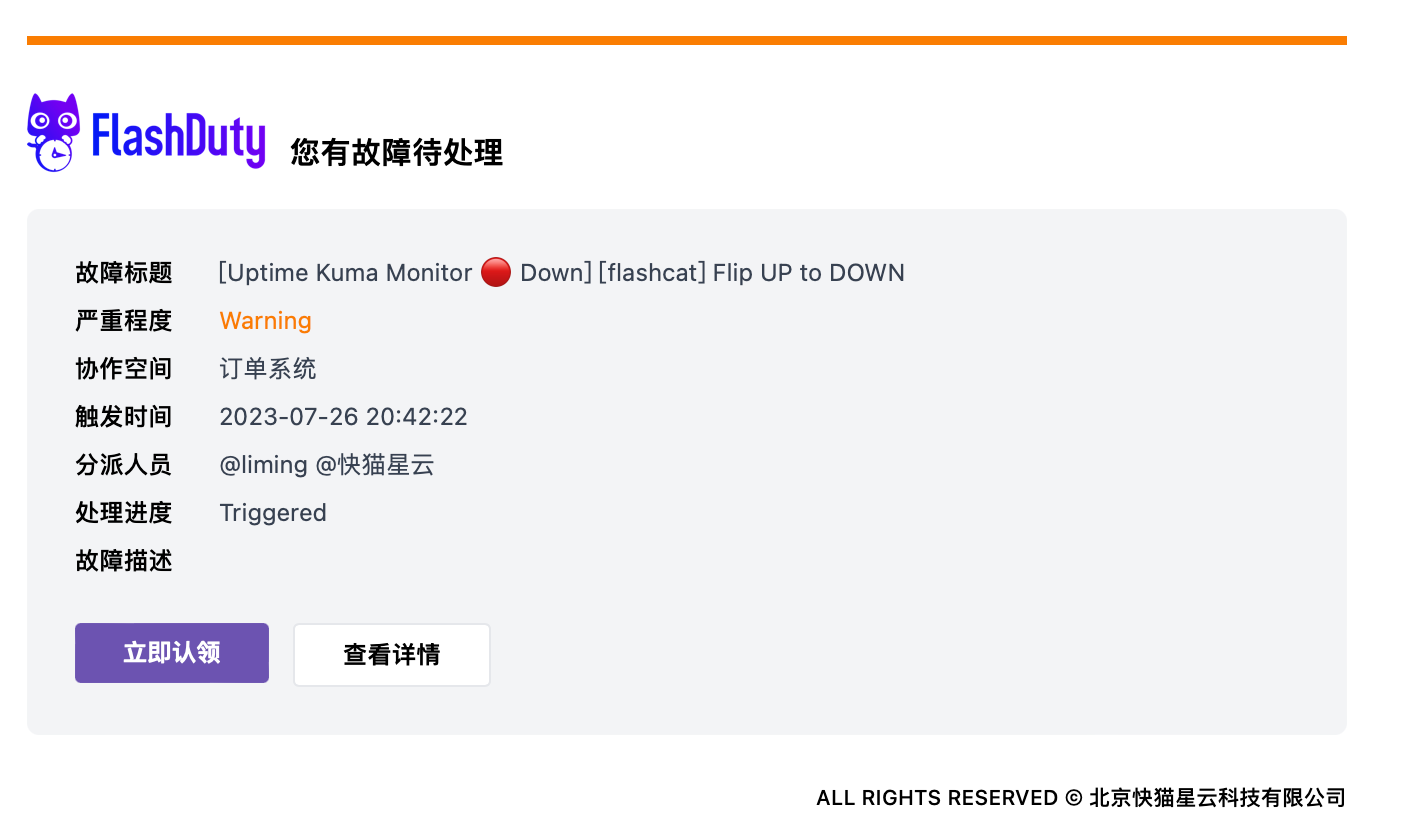
默认模板: